
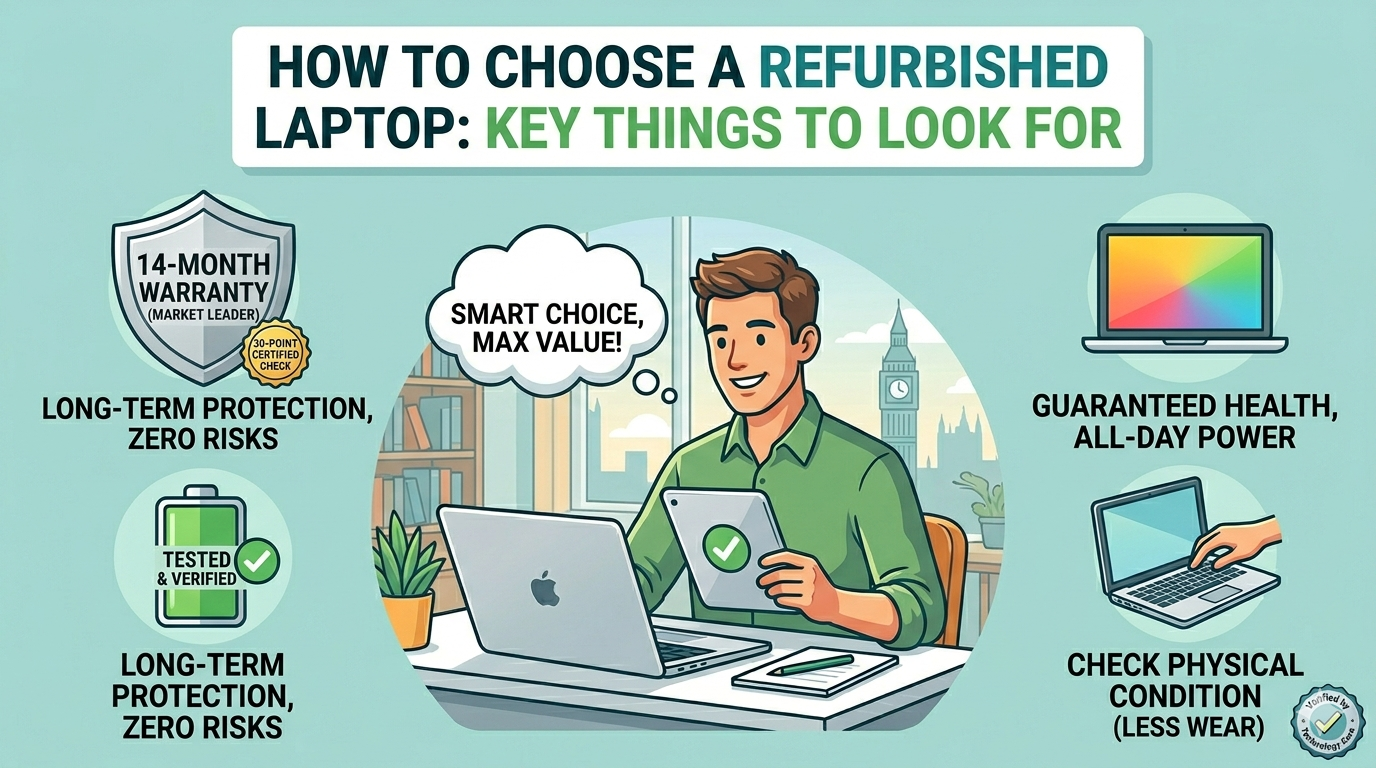
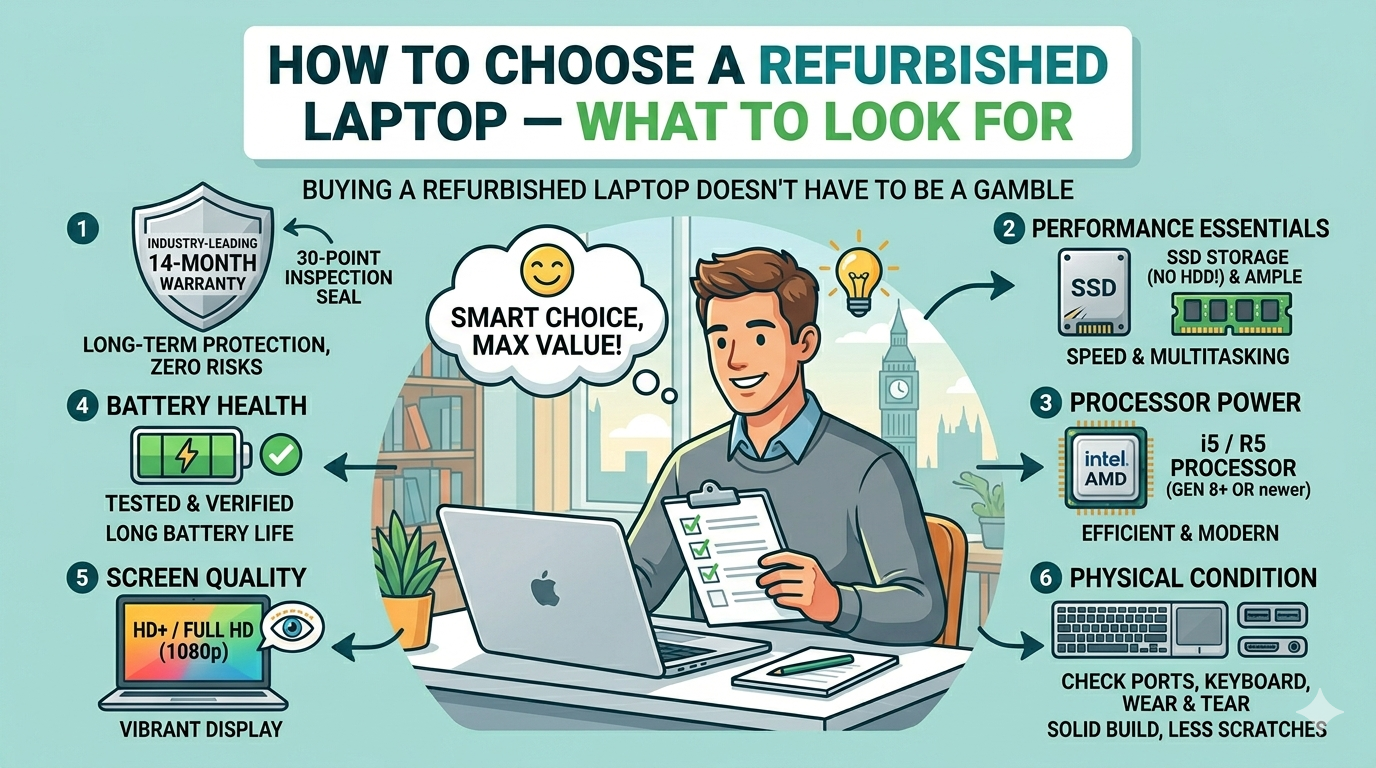
Buying a refurbished laptop doesn’t have to be a gamble
The idea of buying a refurbished laptop makes some people nervous. What if the battery dies in three months? What if there’s something wrong with it that wasn’t mentioned? What if it just doesn’t last?
These are fair concerns — but they only apply when you buy from the wrong place. When you buy from a reputable refurbisher with proper testing, a real warranty and a transparent returns policy, buying refurbished is no more of a risk than buying new. You just need to know what to look for.
This guide walks you through every factor worth checking before you buy.
1. Check the processor generation
The processor is the heart of any laptop. When buying refurbished, the generation matters as much as the model. An Intel Core i5 sounds good — but an i5 from the 4th generation (released in 2013) performs very differently from an i5 from the 8th generation (released in 2017).
As a general rule:
- 6th generation and newer (2015+): Solid performance for everyday use, runs Windows 11. A great example is our ThinkPad X270 with Core i5-6300U.
- 8th generation and newer (2017+): Noticeably faster, great for multitasking and demanding tasks. See our ThinkPad X1 Carbon as a premium example.
- Avoid 4th generation and older: Too slow for modern web browsing and cannot run Windows 11
You can spot the generation from the model number — an Intel Core i5-8250U is 8th generation, a Core i5-6300U is 6th generation.
2. RAM — don’t go below 8GB
RAM determines how many things your laptop can handle at once. Modern browsers alone can eat 4GB of RAM with a handful of tabs open. Our firm recommendation is a minimum of 8GB. If you regularly work with large files, run virtual machines or do any video editing, look for 16GB.
The good news is that many ThinkPads and Dell Latitudes allow RAM to be upgraded after purchase, so you’re not always locked into what it ships with.
3. Storage — SSD is non-negotiable
This is one of the most important things to check. A laptop with a traditional spinning hard drive (HDD) will feel frustratingly slow by modern standards — slow to start up, slow to open apps, slow to load files. A solid state drive (SSD) transforms the experience completely.
Always look for an SSD. 256GB is a comfortable minimum for most users. If you store large files locally — videos, large photo libraries, design assets — go for 512GB or more.
4. Battery health
Battery condition is the most variable factor in any refurbished laptop and deserves careful attention. A reputable seller will either replace the battery before sale or clearly state its health as a percentage of original capacity.
Look for:
- A stated battery health of 80% or above
- Or a confirmation that the battery has been replaced
- A warranty that covers battery issues
At Technology Core, battery condition is assessed as part of our 30-point check on every device we sell.
5. Screen quality
Two things to check on the screen: resolution and panel type.
- Resolution: Aim for 1920×1080 (Full HD). Older business laptops sometimes shipped with 1366×768 screens which look noticeably less sharp by today’s standards.
- Panel type: IPS panels offer better colour accuracy and wider viewing angles than TN panels. Worth paying a little extra for if you work with images or watch a lot of video.
6. Ports and connectivity
Think about what you plug in regularly. Most refurbished business laptops are excellent here — they were built for real-world office use and typically include multiple USB ports, an HDMI output, an SD card slot and sometimes a dedicated docking connector. Check the spec sheet for:
- USB-A ports (standard USB)
- USB-C (increasingly useful for charging and peripherals)
- HDMI or DisplayPort (for external monitors or projectors)
- A headphone jack
7. Warranty and returns policy
This is arguably the most important factor of all. A warranty tells you how confident the seller is in their own product. No warranty — or a warranty measured in days rather than months — is a red flag.
Look for:
- A minimum of 12 months warranty
- A returns window of at least 14 days (28 days is better)
- A UK-based seller you can actually contact if something goes wrong
At Technology Core, every refurbished laptop comes with a 14-month warranty and a 28-day return policy — no quibbles, no small print.
8. Operating system licence
Make sure the laptop comes with a genuine, activated copy of Windows. Some sellers supply laptops with unofficial or unactivated Windows installations — these can cause issues with updates and software activation down the line. Every laptop we sell comes with a genuine Windows 11 licence included.
Ready to find your laptop?
Now you know what to look for, browsing is much easier. Still weighing up whether to go refurbished at all? Read our full guide on refurbished vs new laptops for a detailed cost and performance comparison. If you’re choosing between brands, our ThinkPad vs Dell Latitude comparison is a good next read.
Start with our full refurbished laptop catalogue, or narrow it down by brand — Lenovo ThinkPad, Dell or HP. If your budget is tight, our laptops under £150 section is a great place to start.
Any questions about a specific model or spec? Get in touch — we’re happy to help you find the right machine.
Leave a Reply