
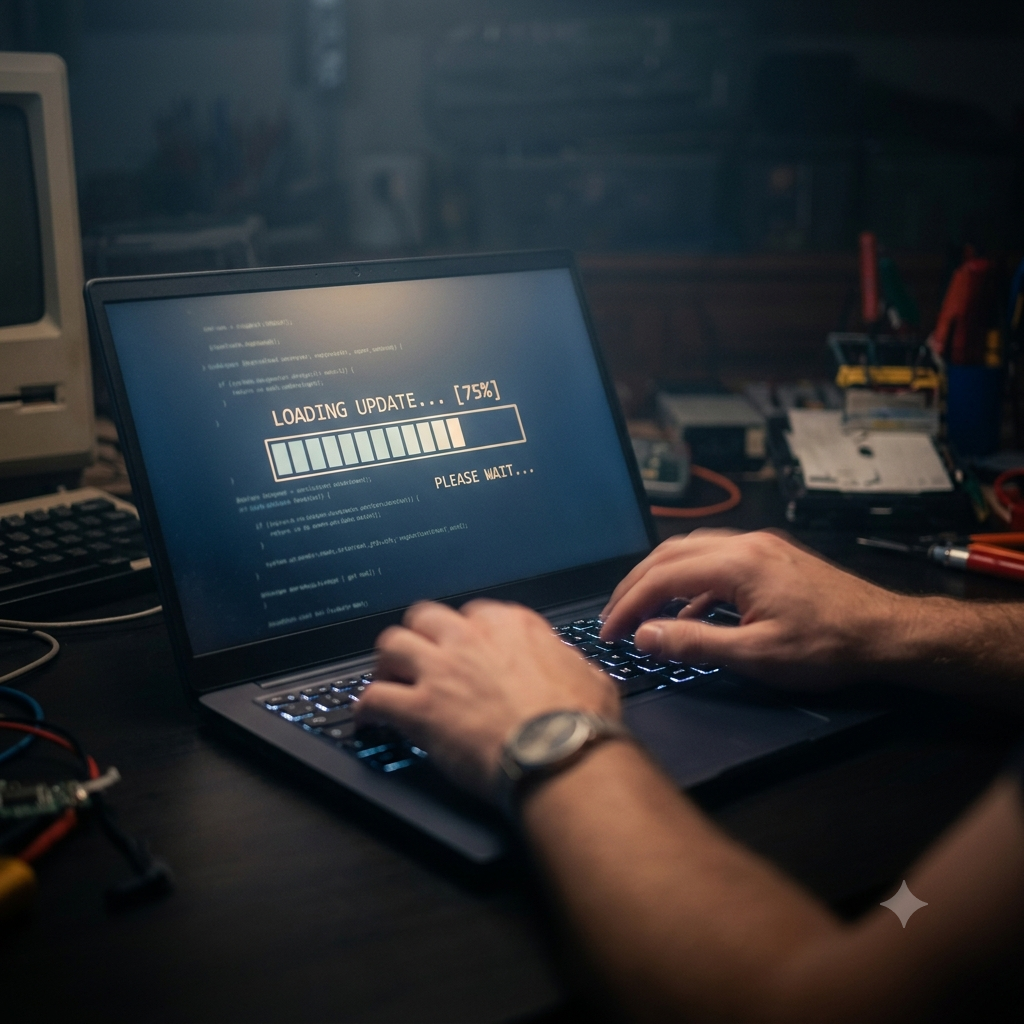
If your laptop is running slowly, the most effective way to speed it up is to replace the hard drive with an SSD — this single upgrade makes more difference than any software fix and costs around £40–£60 at Technology Core in Leicester. Beyond that, clearing startup programs, adding RAM, and resetting Windows are all proven methods to speed up a slow laptop without buying a new one. This guide covers 7 fixes in order of impact.
How to Speed Up a Slow Laptop — 7 Fixes by Impact
| Fix | Speed impact | Cost | Difficulty |
|---|---|---|---|
| Upgrade to SSD | 🔥🔥🔥 Massive | £40–£60 fitted | Professional recommended |
| Add more RAM | 🔥🔥 Significant | £20–£40 | Medium |
| Disable startup programs | 🔥🔥 Significant | Free | Easy |
| Scan for malware | 🔥🔥 Significant | Free | Easy |
| Reset Windows | 🔥🔥 Significant | Free | Easy |
| Clean up storage | 🔥 Moderate | Free | Easy |
| Clean dust from vents | 🔥 Moderate (heat throttle) | Free | Easy |
Fix 1: Upgrade to an SSD (Biggest Impact)
If your laptop has a hard drive (HDD), replacing it with an SSD is the single most effective upgrade you can make. Hard drives are the primary reason laptops feel slow — they boot in 60–120 seconds, open applications sluggishly, and struggle with Windows 11 background tasks. An SSD boots in 10–15 seconds and opens applications almost instantly. The upgrade costs around £40–£60 at Technology Core, Leicester, and takes under an hour. See our SSD vs HDD guide for the full comparison.
Fix 2: Disable Startup Programs
Too many programs launching on startup is one of the most common reasons Windows feels slow after boot. To fix it: right-click the taskbar → Task Manager → Startup apps. Look for anything with “High” startup impact you don’t need immediately at login — common culprits include Spotify, Discord, OneDrive, Teams, Skype, Steam and various software updaters. Right-click any of these and select “Disable.” Restart your laptop and notice the difference in boot time.
Fix 3: Add More RAM
If your laptop has 4GB RAM, upgrading to 8GB will make a noticeable difference — Windows 11 alone uses 3–4GB at idle, leaving very little headroom. Open Task Manager (Ctrl + Shift + Esc) → Performance → Memory. If “In use” memory is consistently above 80% of total while you’re working normally, more RAM will help. On most ThinkPads and Dell Latitudes, RAM is upgradeable. Technology Core, Leicester, can advise and fit compatible RAM for your model.
Fix 4: Scan for Malware
Malware, adware and bloatware consume processor cycles and RAM silently in the background, making everything else slower. Run a full scan with Windows Security (built in, free) — press Start, type “Windows Security,” then go to Virus & Threat Protection → Quick Scan. For a more thorough check, install Malwarebytes Free (free download) and run a full scan. Malware infections are a surprisingly common cause of sudden performance drops on otherwise capable laptops.
Fix 5: Reset Windows 11
If your laptop has accumulated years of software, updates, background processes and clutter, a Windows reset restores it to a clean state with significant performance improvements. Go to Settings → System → Recovery → Reset this PC. Choose “Keep my files” to reinstall Windows while preserving your personal files, or “Remove everything” for a completely fresh start. This takes 30–60 minutes but can make an old laptop feel new again. Back up your files first.
Fix 6: Free Up Storage Space
Windows performs poorly when storage is nearly full — below 10–15% free space on your drive, performance degrades noticeably. Open File Explorer → right-click your C: drive → Properties to see how much space is used. Delete files you no longer need, empty the Recycle Bin, and use Settings → System → Storage → Storage Sense to automatically clear temporary files. If you’re consistently running low, consider upgrading to a larger SSD.
Fix 7: Clean Dust from Vents and Fan
A laptop that overheats throttles its processor to protect itself — causing it to run slower than it should. Dust buildup in vents is a common cause of heat throttling, especially in laptops more than 2–3 years old. You’ll notice the fan running loudly and the laptop becoming warm even on light tasks. Use compressed air in short bursts into the vents to clear dust. For a thorough clean, Technology Core, Leicester, offers internal cleaning as part of our repair and upgrade service.
When Is a Laptop Too Slow to Fix?
If your laptop is more than 7–8 years old, has a very slow processor (Celeron, Pentium, first- or second-generation Core i3), or has multiple hardware faults, the cost of upgrades may exceed the value of the machine. In those cases, a certified refurbished replacement from Technology Core may be better value — from £119 for a ThinkPad with 8GB RAM and SSD, all under warranty.
Frequently Asked Questions
Why is my laptop so slow?
The most common causes of a slow laptop are: a hard drive instead of an SSD, too little RAM, too many startup programs, malware, or an overfull storage drive. The single biggest fix for most slow laptops is replacing a hard drive with an SSD — see Fix 1 above.
Can you speed up a laptop without spending money?
Yes — disabling startup programs, running a malware scan, resetting Windows and freeing up storage are all free. These can make a meaningful difference, especially if the laptop has accumulated years of software clutter. For the biggest speed gain, an SSD upgrade is worth the investment.
How much does it cost to speed up a slow laptop?
An SSD upgrade at Technology Core, Leicester, costs approximately £40–£60 including parts and fitting. RAM upgrades cost £20–£40 depending on capacity. Free fixes (startup programs, malware scan, Windows reset) cost nothing and should be tried first.
Does adding RAM speed up a slow laptop?
Yes — if RAM is the bottleneck. Check Task Manager to see if memory usage is consistently above 80% during normal use. If so, adding RAM will make a noticeable difference. If RAM usage is low, adding more won’t help — the problem lies elsewhere (usually storage). See our 8GB vs 16GB RAM guide to understand what you actually need.
Can Technology Core speed up my laptop?
Yes — we offer SSD upgrades, RAM upgrades, virus removal and full service cleaning at our Leicester workshop. Free diagnostic included. Book a repair or upgrade or contact us for a quote.
Leave a Reply